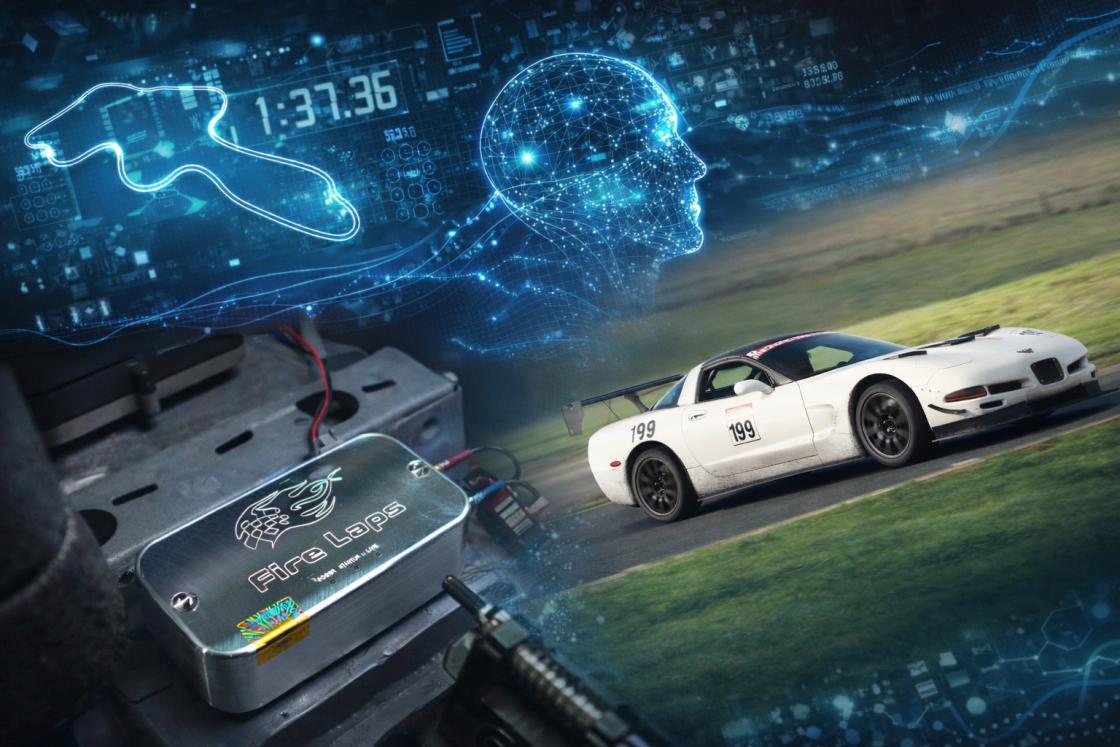
Seat time, and instruction.
These two recommendations are all but commandments set in stone when it comes to tracking a car. Seat time is an easy recommendation to make, but if we all just had more time and money, right?
With money and time generally being limited for us mortals, you’ve got to optimize the time and money you’ve got.
Coaching is always a staple recommendation as well — and frequently a bit more challenging to make happen than most folks care to admit. Maybe your track org doesn’t allow instructors (SCCA Track Night in America, I’m looking at you!) or charges $800 for a novice day with instruction… and then the truth nobody likes to acknowledge — not every instructor is qualified. I started coaching simply because an organizer said, “You’re the most experienced guy available — teach that one and your day’s free.” I've since progressed past that, but many folks aren't there because they have a coaching background, they are there because it's free track time.
So with the reality of the matter being that those two recommendations are easier to suggest than they are to fulfill... what's a person to do?
Enter: Fire Laps.

Fire Laps is an AI Powered GPS data logging device that captures your lap, analyzes it against all the data it's collected on fast laps... and then provides feedback on where you can adjust your lines and improve your driving. It weighs about 1% of even the lightest instructor, doesn’t take up that much space and it definitely doesn’t need that passenger seat you may not even have anymore.
I got my hands on a Fire Laps setup for the 2025 season, and took it out to various tracks on the West Coast. I used it both for my own personal driving progression and for competition, and I took it from the shop, to the track, to the podium and then home again to share with you all just what it’s about.
Fire Laps doesn’t replace seat time or instructors: What it does is compress learning by giving you consistent, repeatable, bias-free feedback when instructors aren’t available, affordable, or reliable.
A Quick Mention About The Author
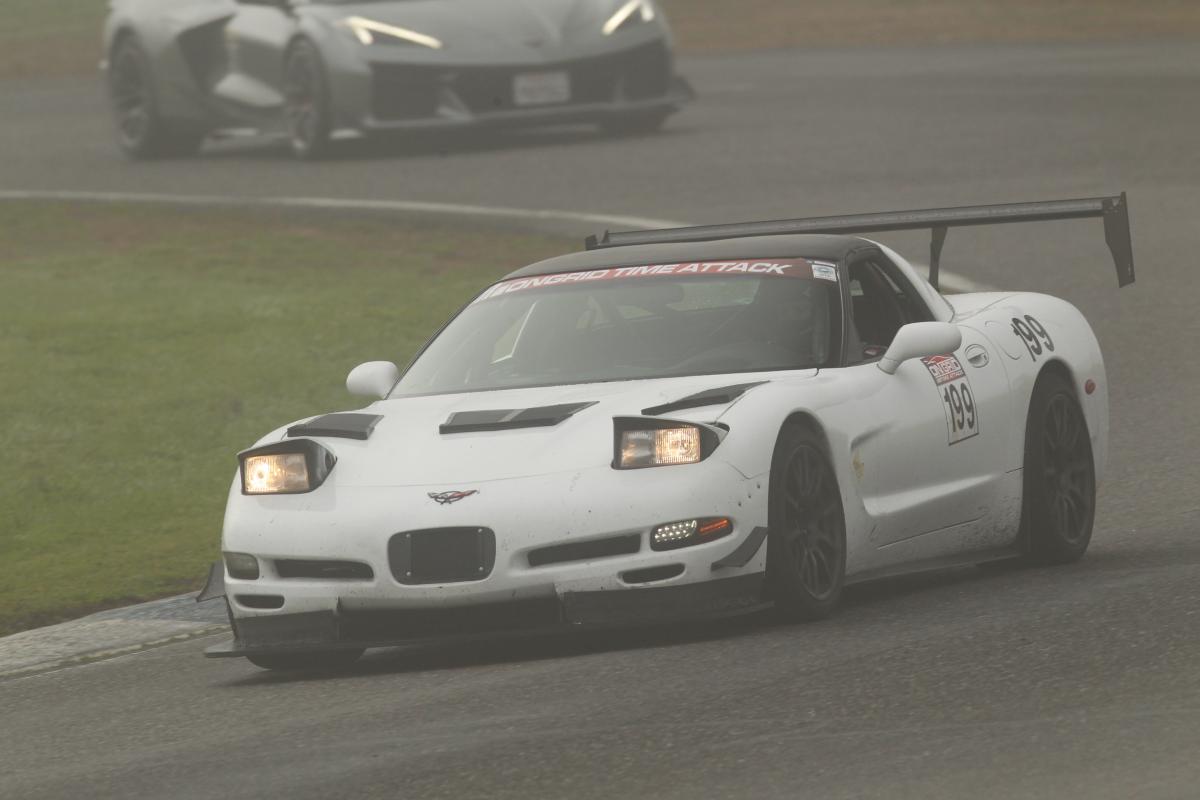
Just as it’s worth verifying an instructor is actually qualified to help you improve, it’s fair to establish that I’m a credible reviewer of this product. My name is Jesse. I write under the moniker “Shred Jesse,” and I wrapped up this season with 57 track events in my C5 alone. I publish here and over at my bare-bones blog, ShredJesse.com. Between multiple podium finishes, two SCCA class records, and a track record, I’m not just qualified to review Fire Laps, I’m very much the target audience.
Is there somebody out there faster than me? Undoubtedly there are many.
Am I going to pick this up and use it just like most of you would? Absolutely.
So here's my candid take on Fire Laps and just how AI works when applied to the world of track analysis.
Setup & Hardware
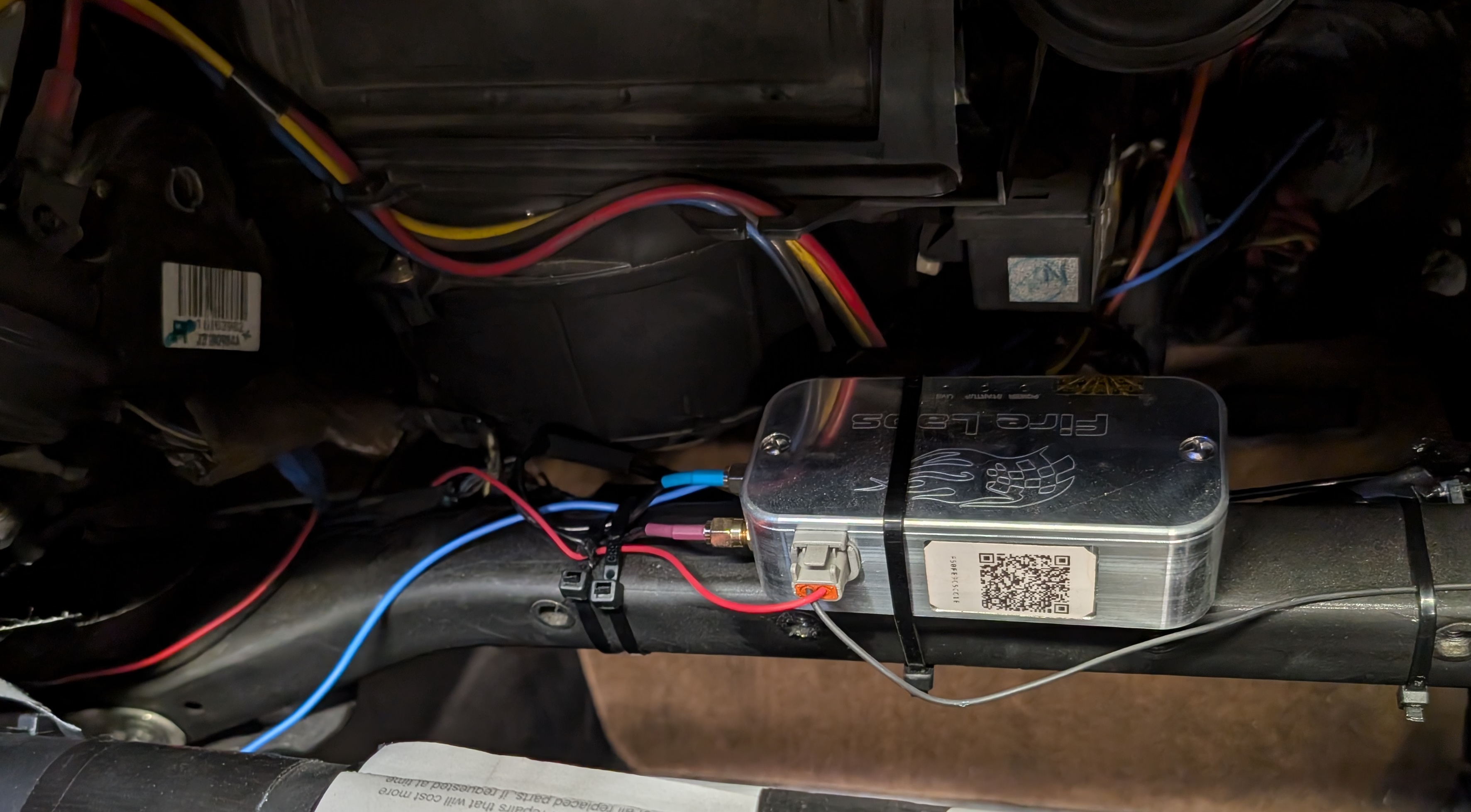
For Fire Laps to work as advertised, installation and data quality matter.
Fire Laps hardware is a bit on the large side compared to other smaller products like the RaceBox Mini, and it doesn’t feature a screen… but it’s simple enough to mount and tuck up out of the way.
Be certain to mount your Fire Laps unit where you can visually check the three lights on it for any status issues. I was a dummy and mounted mine in a location that seemed fine, but then I remembered I had to put a dash back in my car for certain classes I compete in and now the unit is a bit harder to see... So be sure to be smarter than me and mount the unit somewhere nice and visually accessible!
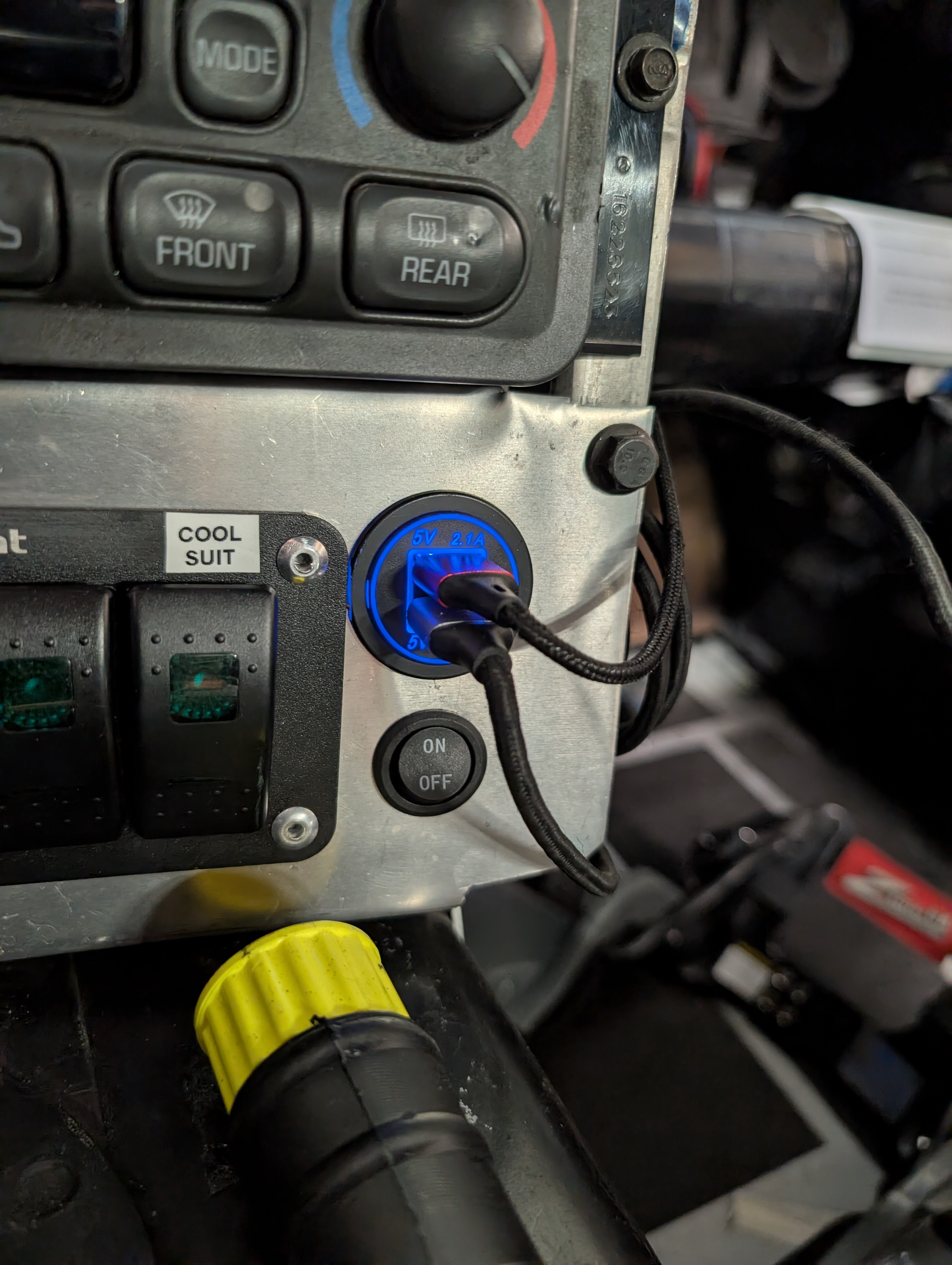
It’s recommended you put your unit on a switched 12V power source. It’s not exactly challenging to install, but it isn’t as simple as just getting USB power to it either. There is no screen, but it doesn't really have anything to show you while you’re driving, which is a bit of a let down, but also it means you can just go focus on driving and review things after your session.
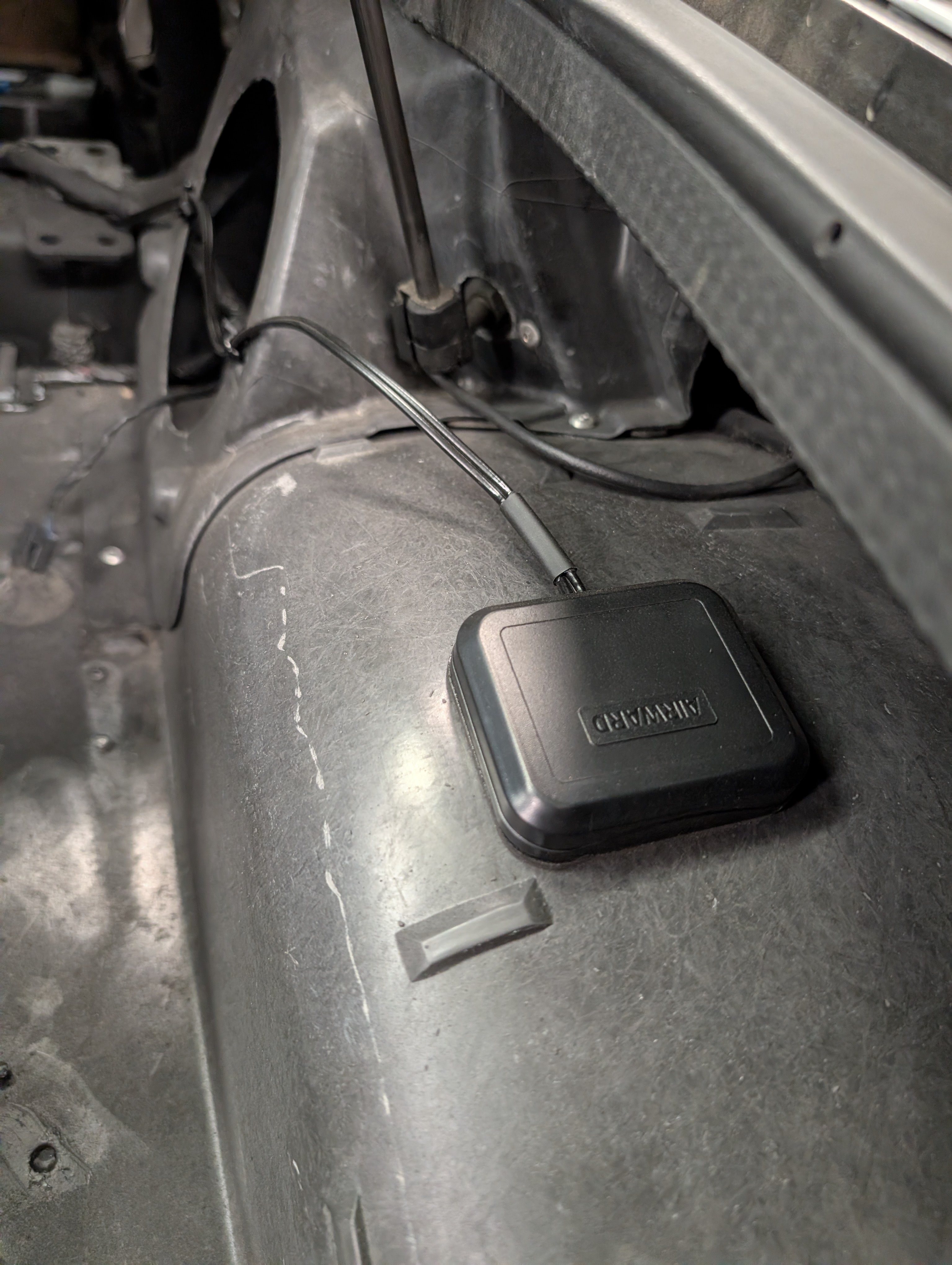
There is an external antenna that you'll need to route somewhere. You’ll of course want to mount the antenna setup somewhere with a clear view of the sky. With C5 Corvettes being made mostly of fiberglass though, it's pretty darn easy to mount them in the rear of the car and get quality signal.
Another thing to note is Fire Laps does require a data connection in order to upload your data. No, it doesn't need your phone, it connects over cell phone channels on it's own. That said, if you are at a remote enough race track... you may not be able to get your data right away. Perosnally, I’ve yet to visit a track that didn’t have 4G+ data at it… so keep that in mind if you’re considering getting this product. Even if you lack a data connection though, the device will later upload data when it gets connectivity.
Everyday Use & The Fire Laps UI
Understanding the hardware is useful, but hardware alone doesn’t improve lap times, interpreting quality data does.
Right off the bat, I've got to call out that there is no in car UI needed for in motion recording your sessions, which is both a pro and a con. Just give the Fire Laps box 12v and the antenna a clear view of the sky and you’re in business. The majority of how you’ll be interacting with the unit is after your lap, and I highly recommend you watch their YouTube video on the topic. They also have an excellent interactive demo that I highly endorse as well!
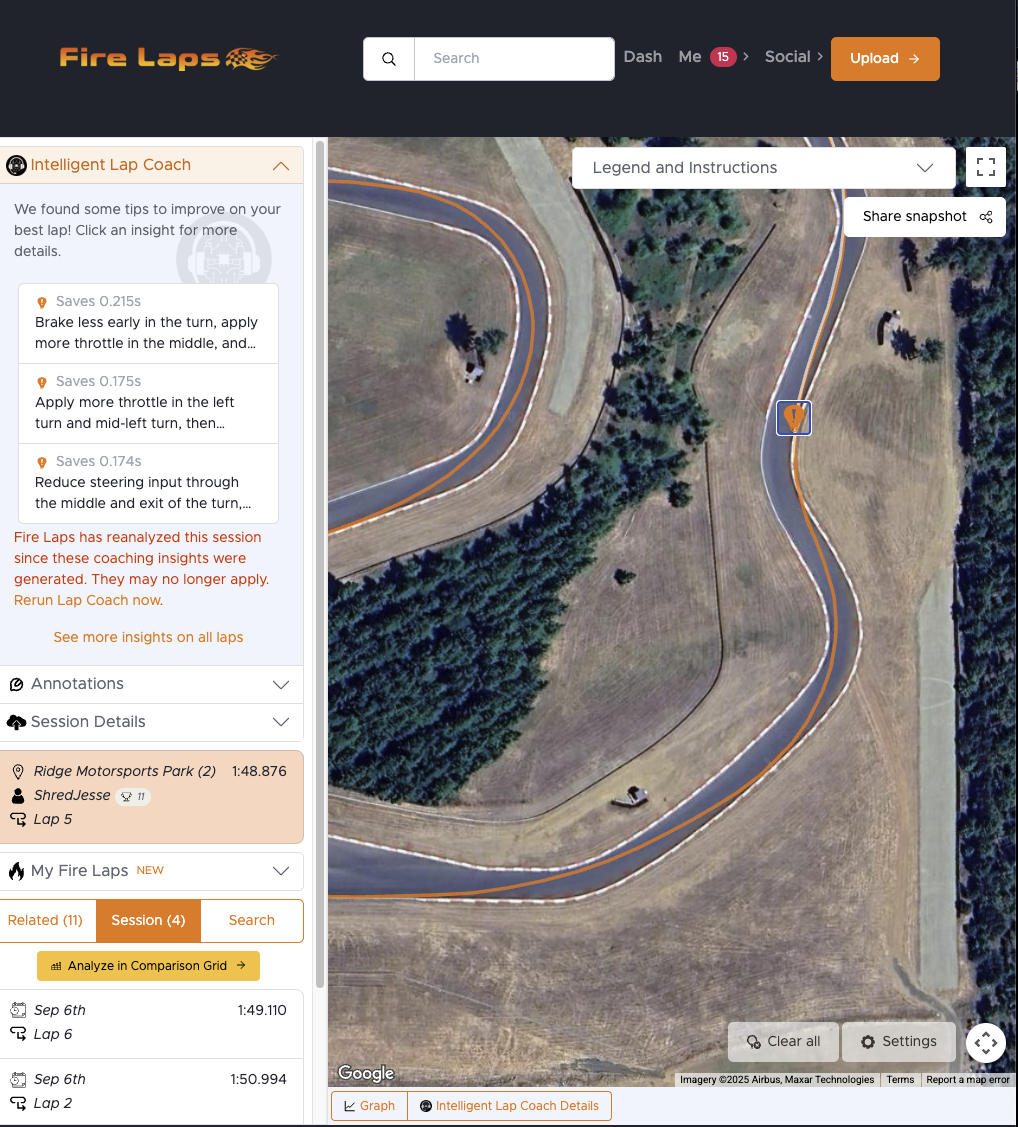
So assuming you watched the video and have your car saved in Fire Laps and start capturing your sessions... you can then go in and review them once AI review has completed. Different sections will display some general information and pointers, which when clicked provide some input.
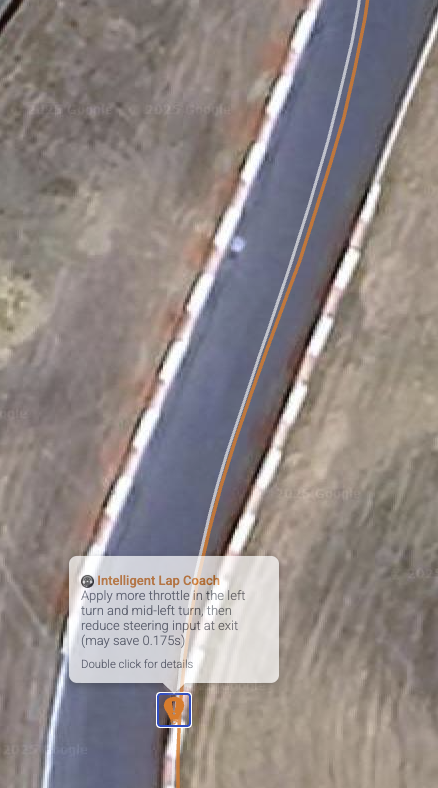
So above is an example where I've navigated to a specific section. Specifically this turn 3-4 at Ridge Motorsports Park. The descriptions weren't always the most helpful to me, but what makes it really stand out is the visualized line. The orange line is the line my car is taking, while the white line is the imaginary line they are suggesting. The words by themselves weren't always helpful to me, but when visualized with the suggested line the suggestion really starts to click.
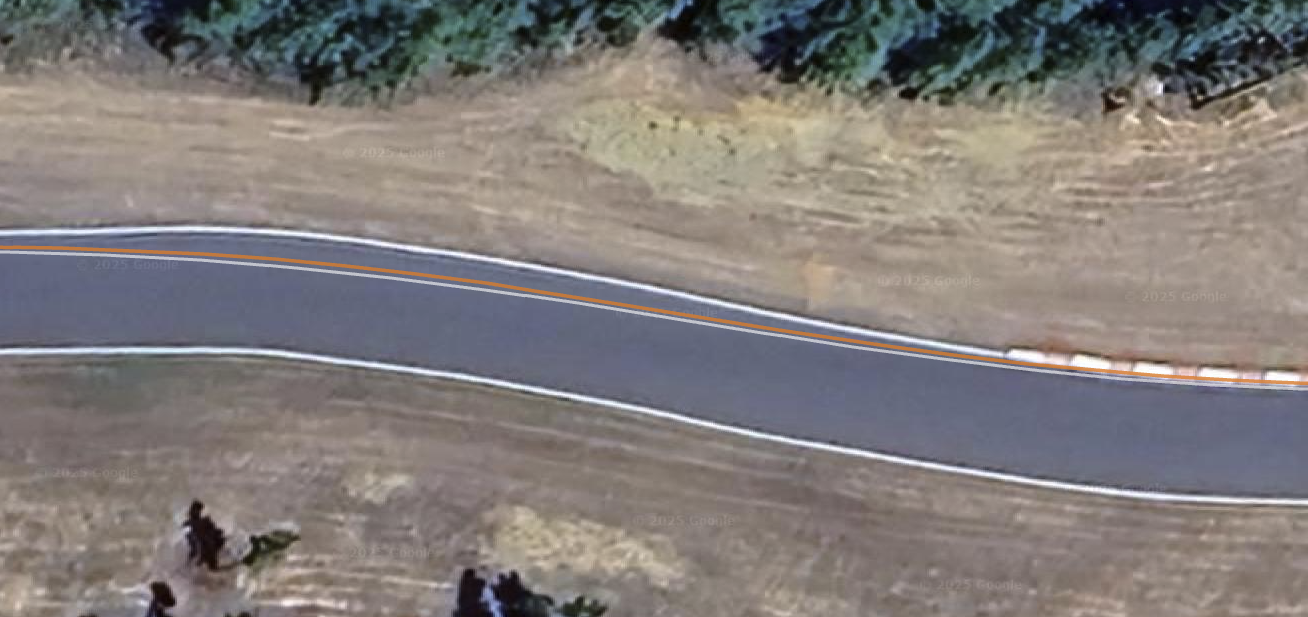
The picture above is the tail end of the "straightaway" between turn 5 and 6 at the ridge. It's obviously not perfectly straight, but by race track standards not worthy of numbering. Can you see the slight difference between the yellow and orange line? It's quite subtle, but the difference it showed me was "Chill out steering input through here, you'll wind up in the exact same place anyways". Sure enough, making this minor adjustment increased my top speeds a few mph and translated to a .12s improvement. Not exactly a jaw dropping improvement by itself... but make 5 of those improvements and you've gained over half a second. Changes like this took me being on the podium to the top of the podium.
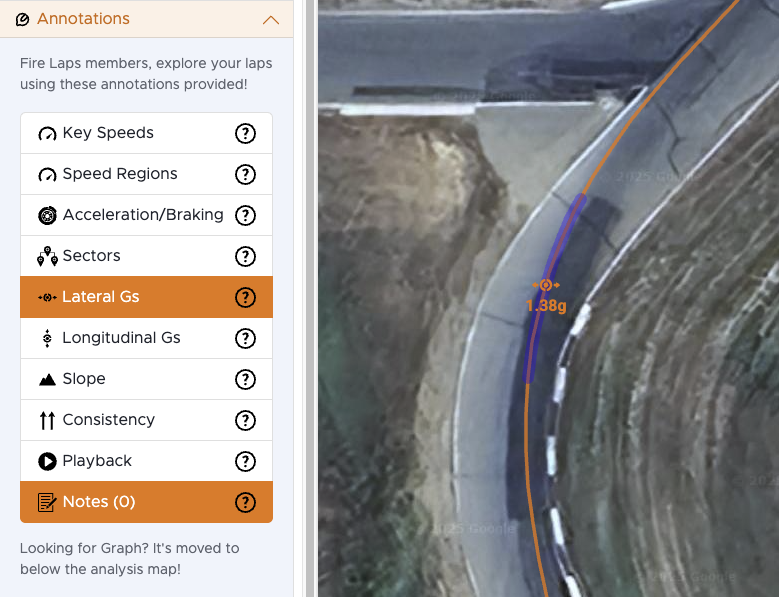
Fire Laps of course has all the good data logging you'd expect from a solid data logging setup and it can really help you delve into just what made a lap work or not work, and you can even overlay two laps and look at the annotations to really see what is going on.
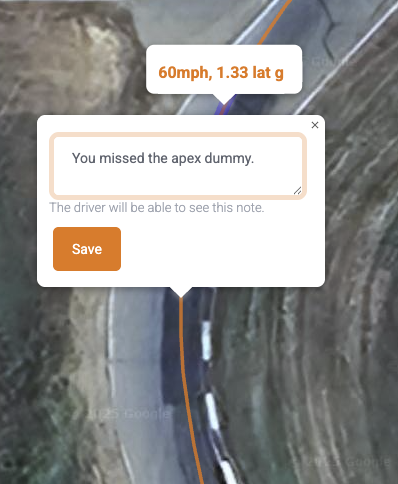
Here's a favorite feature of mine though: YOU CAN ADD NOTES! I mean what are the odds you're going to remember that on this one particular track day you decided to take a turn in 3rd gear instead of grabbing second... and it actually yielded improved times down the front straight? If you're like me, slim the odds are slim to none.
(Note: I did not actually miss the apex as the GPS unit is on the far right side of my car, but it did seem like a funny example).
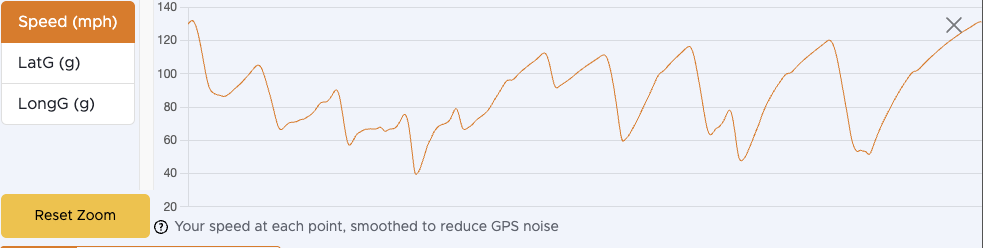
Here's also of course the standard graph view. You can infer a lot about whether you're maximize your driving based on a graph of your laps around the track and a good instructor will be able to spot areas of potential improvement. Folks familiar with such graphs can even recognize what track a person was at just by looking at the graph, as I am sure some folks have spotted Thunderhill East above from the graph alone.
Other Features that Make Fire Laps Excellent
So Fire Laps isn't just data logging and analysis. They've got the awesome ability to create groups and track everyone in them. They can also do live event lap information as well!
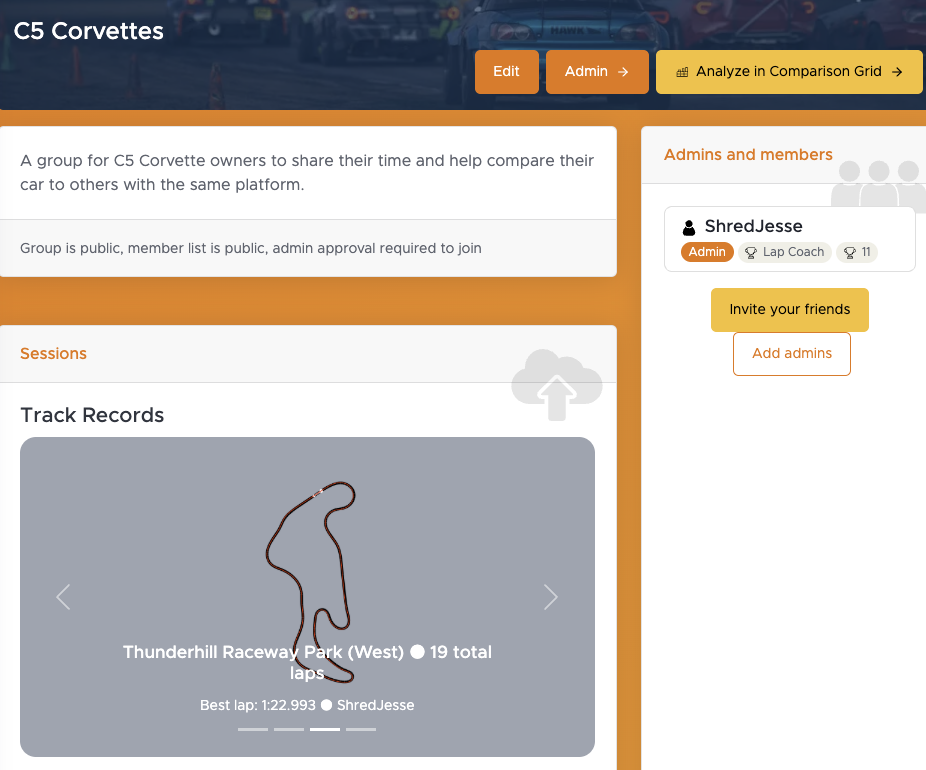
Speaking of... check out this community link to a C5 Corvette specific group! Hopefully we can start to get more C5 Corvette folks together and sharing their data in the Fire Laps C5 Corvette Community I created!
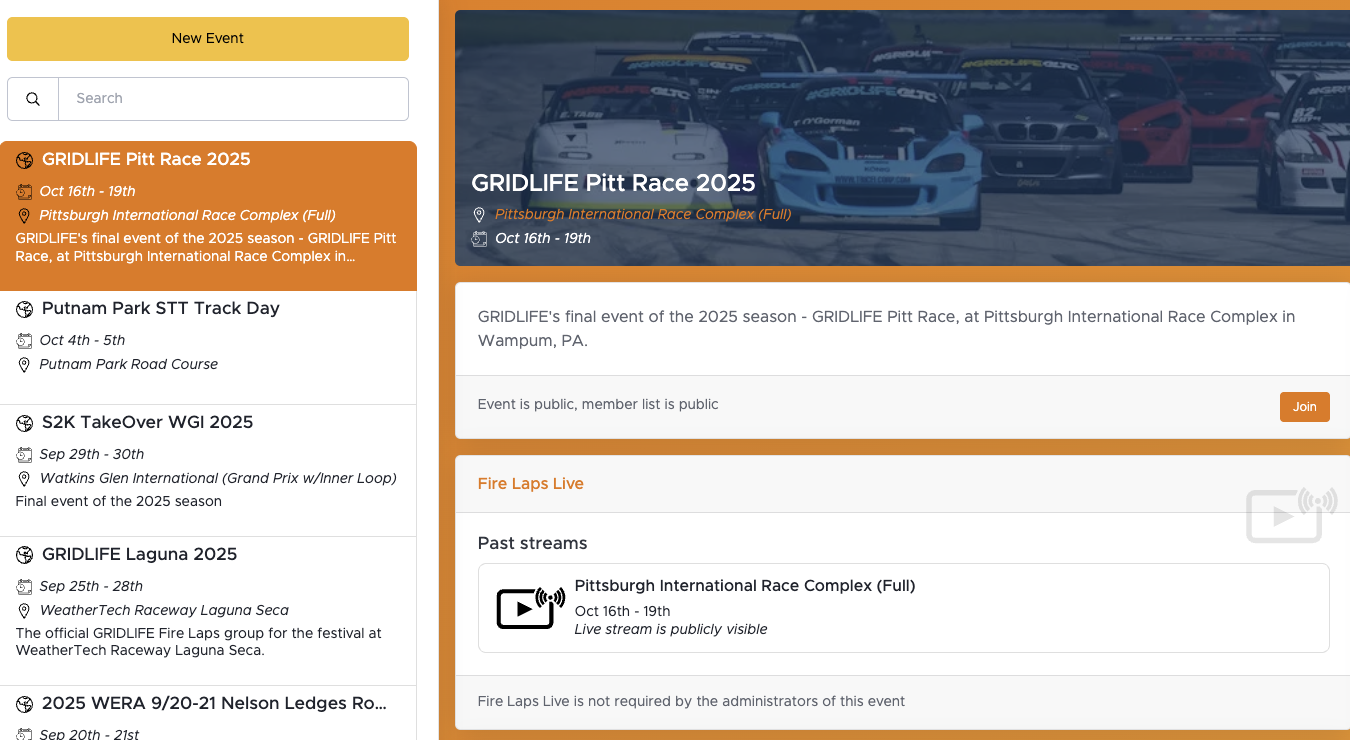
Another great win for Fire Laps is it's event feature. You can see lap times and data live and see just what everyone is up to... and not just their lap times and standings like with many offerings that rely on transponders, this is actual full on GPS data logged sessions of the competition!
How Did Fire Laps Work For Me
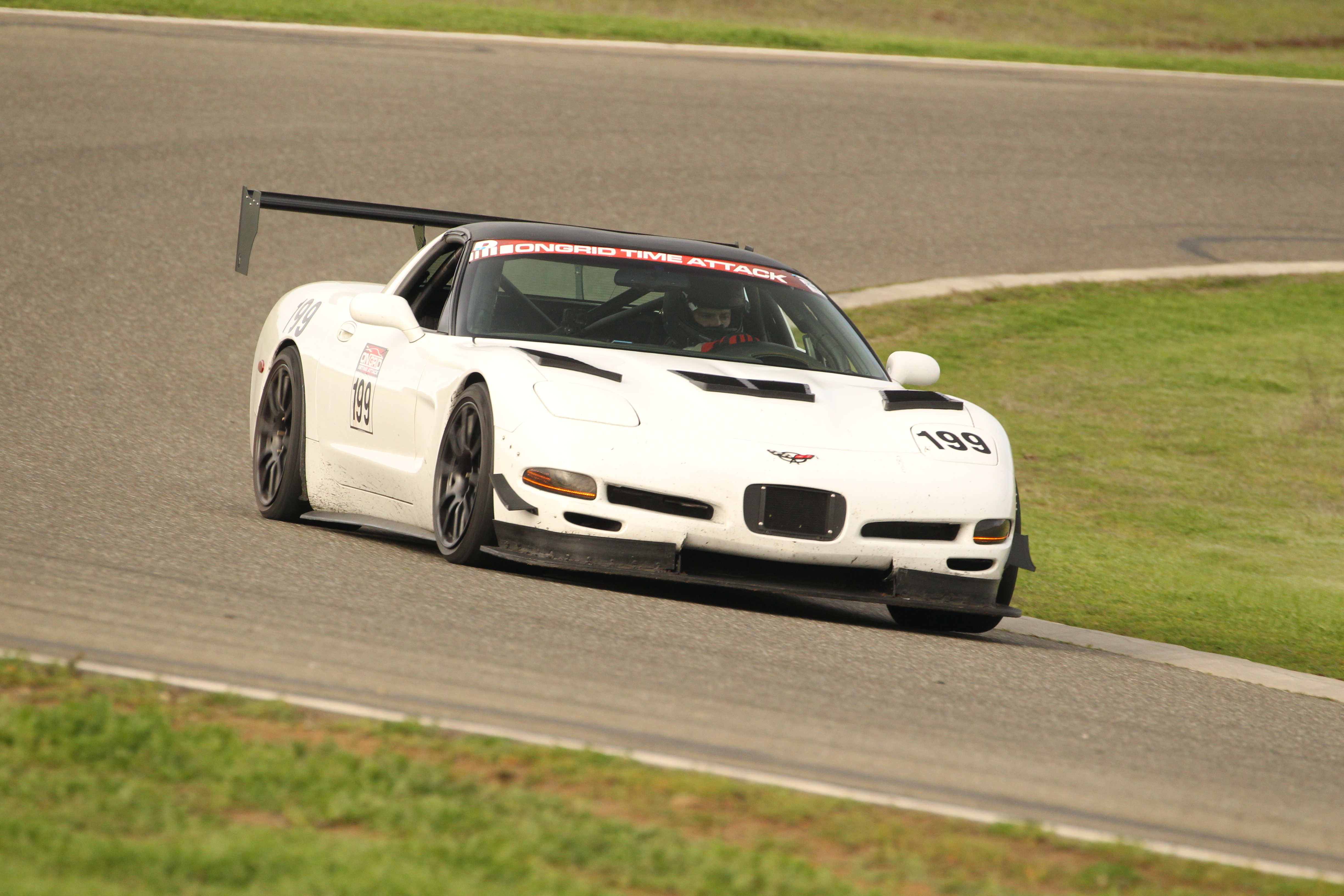
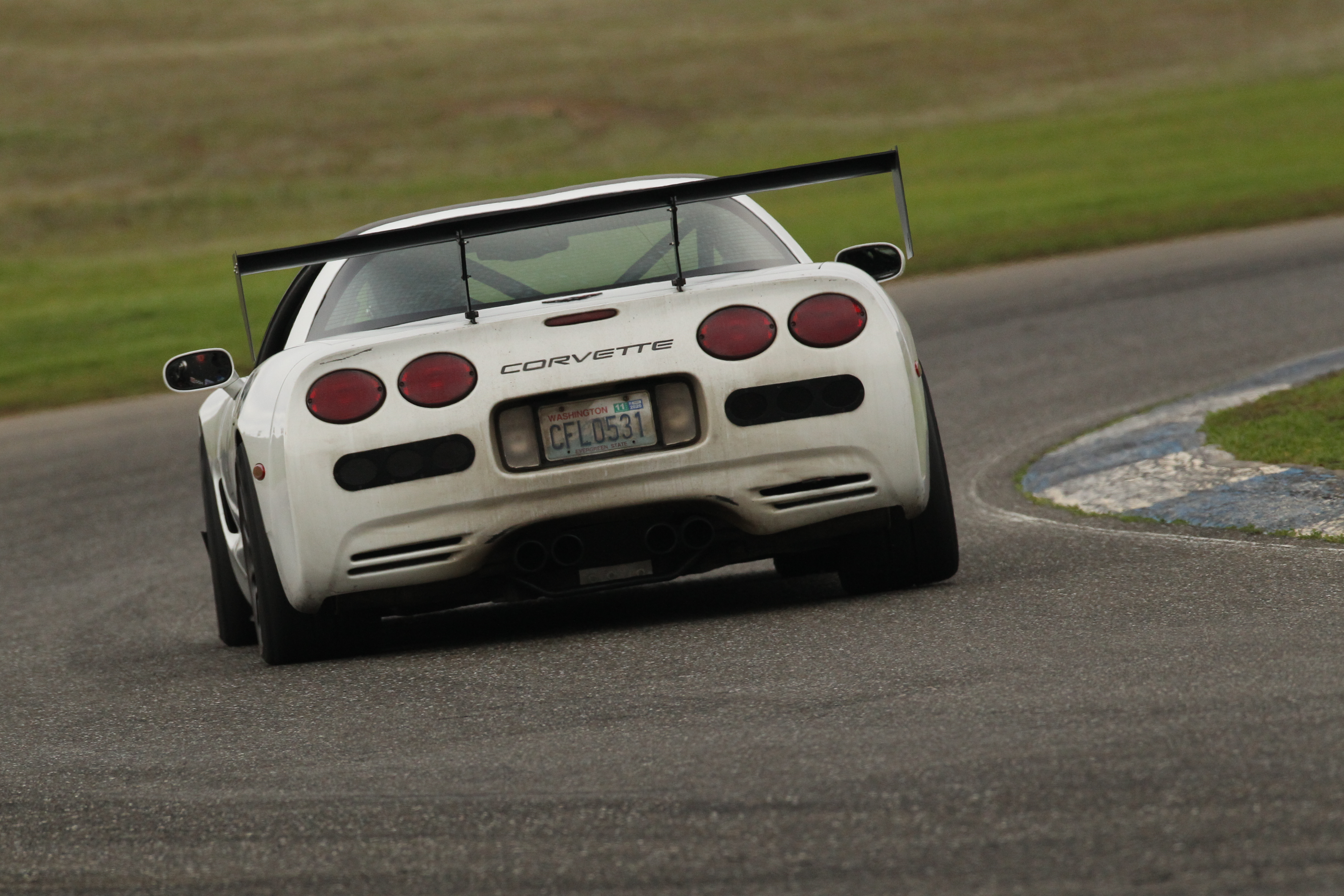
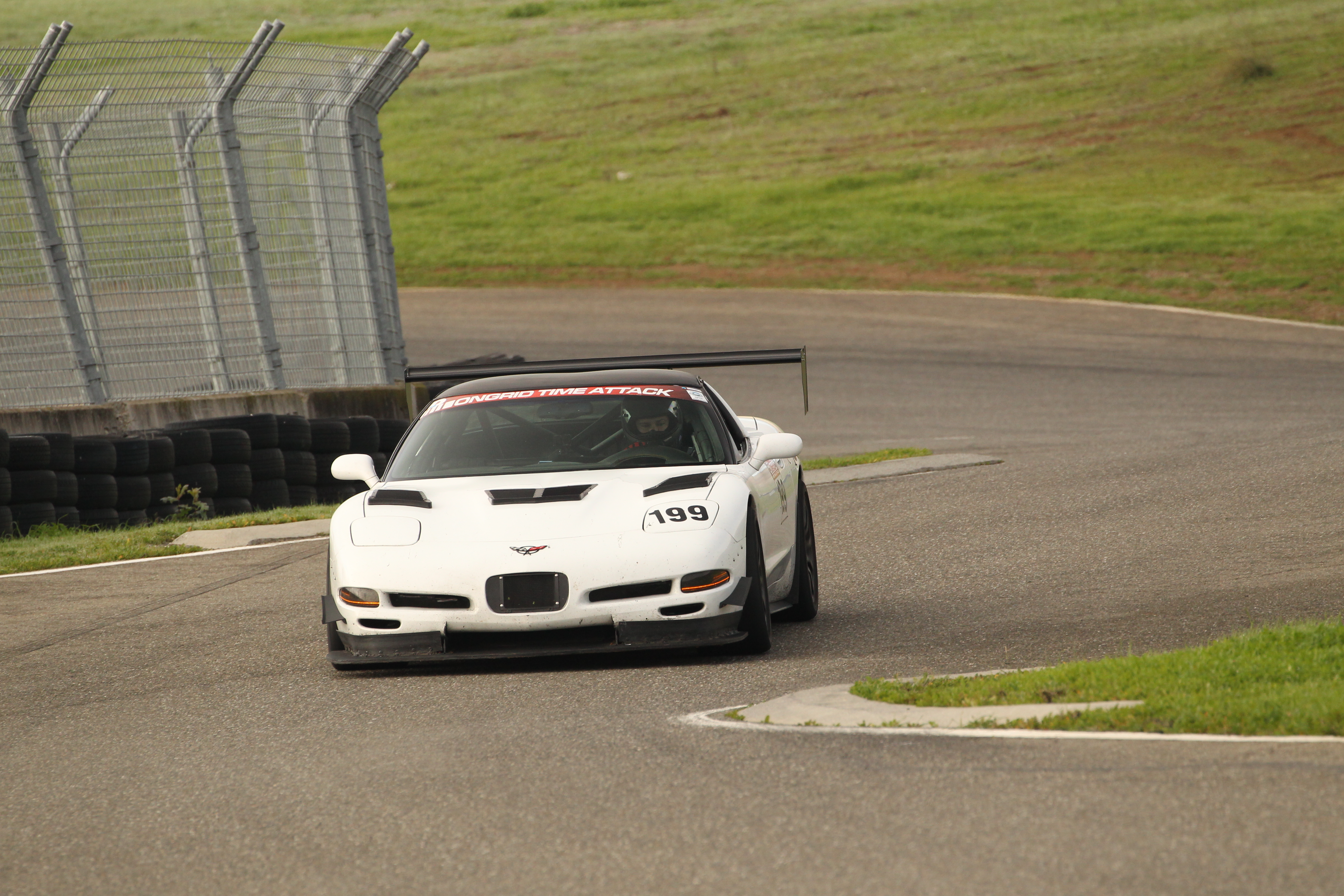
So I received The Fire Laps unit at the start of my 2025 season. No, they didn't reach out to me, I actually saw their product around some advertising and decided to see if they'd let me try it out. I installed it on my C5 Corvette and added it as a tool to try and dial in my Corvette for my Time Attack efforts in the 2025 season.
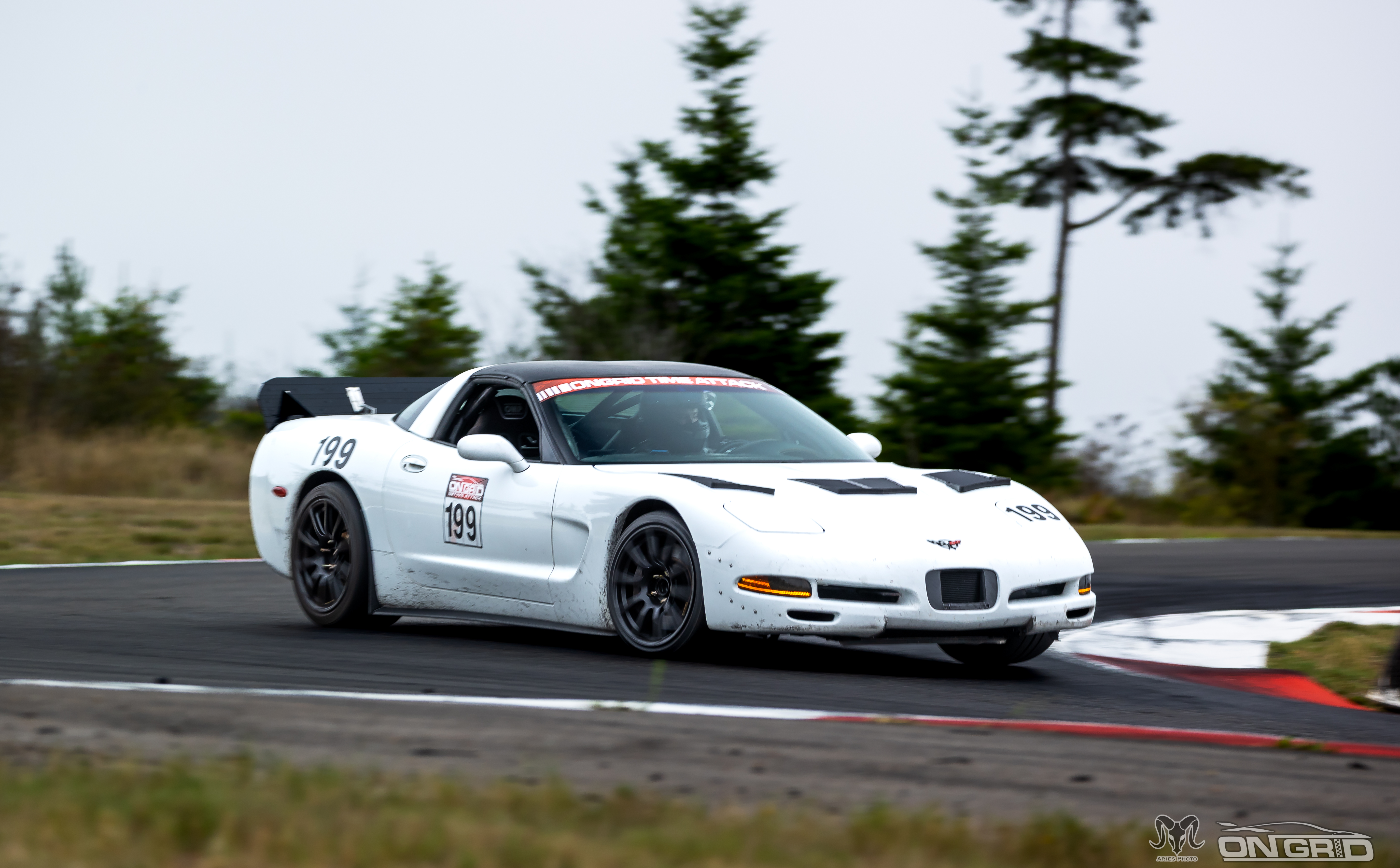
I'll admit, it took me a bit to get to know the full interface with Fire Laps. Once I dialed it in though and learned how to interpret it's suggestions combined with the visual display of where to go... it helped me try making some changes to chase down segments of time
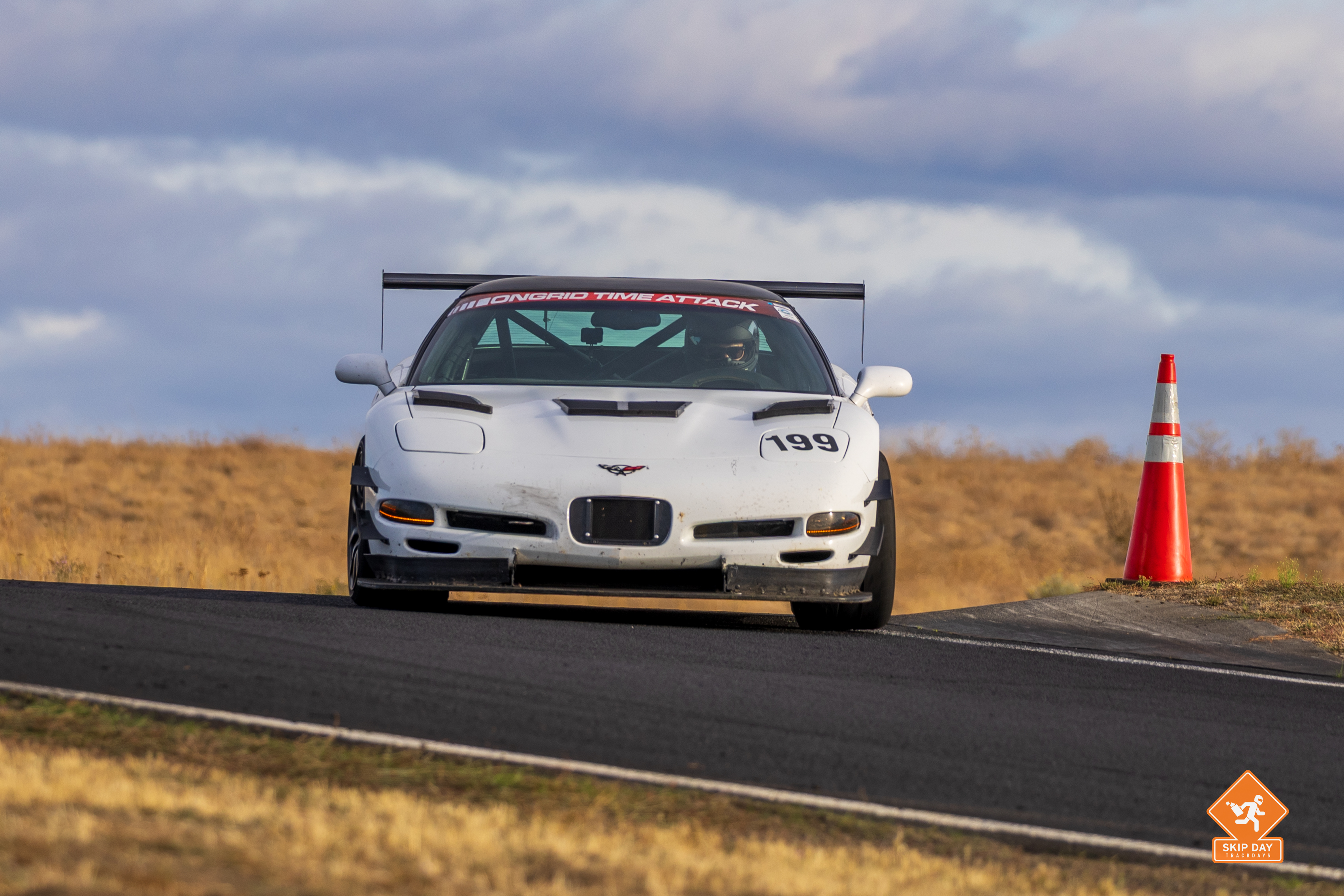
Now I won't lie to you and say Fire Laps went out and found 5 seconds for me... but slowly but surely it found a tenth here, a few fractions of a second there... it helped chisel away at my best lap and encouraged me to consider altering what I was doing.
Were Fire Laps suggestions always right? No, they weren't... and to be fair an instructor isn't always right either. Whether it's a lack of familiarity of the platform or the students capabilities, I know I've made suggestions I had to roll back in favor of pursuing different directions. I've even had instructors give advice to me like "Stay in 4th here, it'll disrupt the car less" turn into absolute disasters when I wasn't already in 3rd for that next turn that required far better brake control.
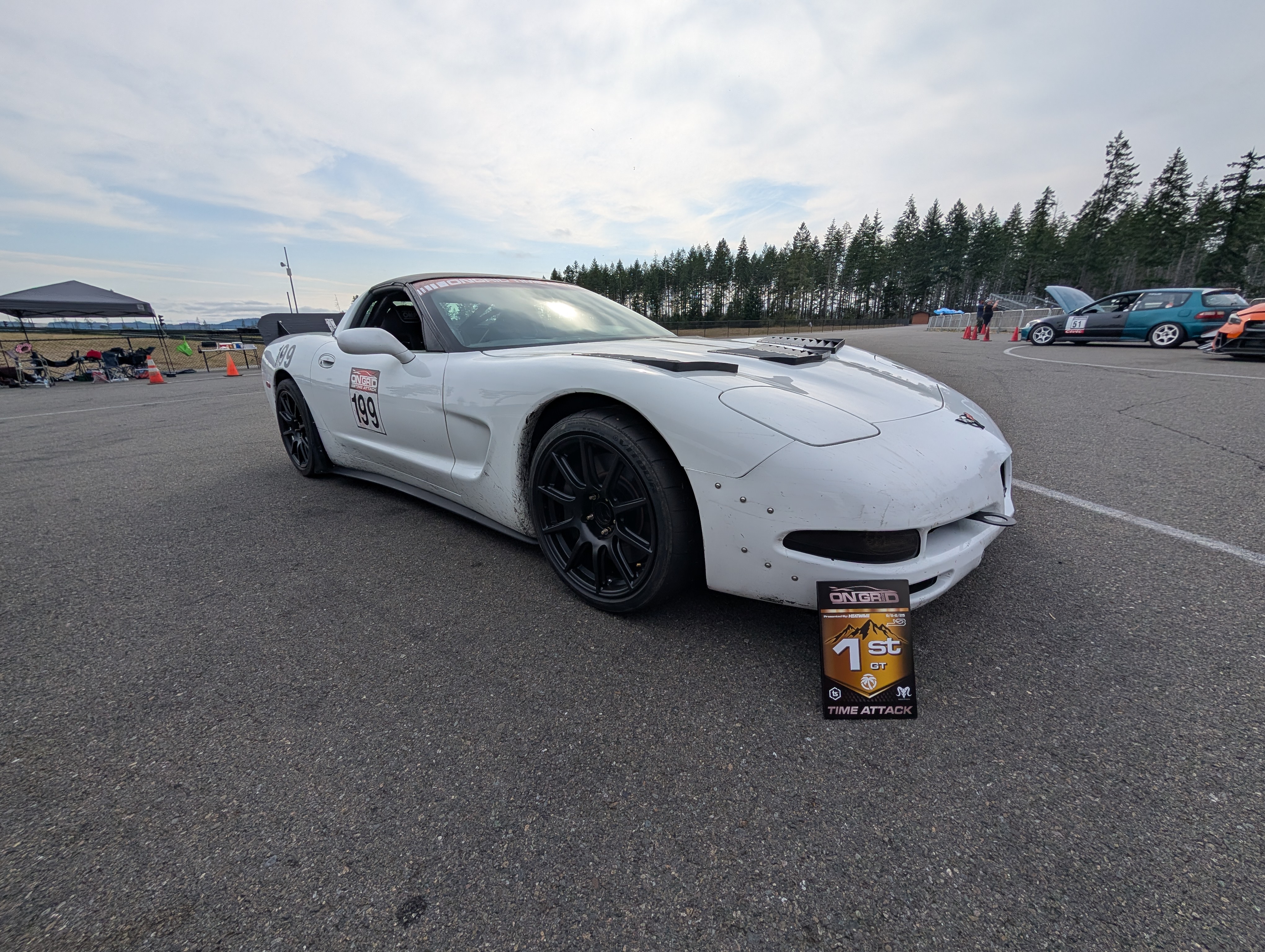
For me though the ultimate result of combining Fire Laps data analysis tools with some trial and error alongside even more seat time... I was able to take home some serious results this season. I went into the OnGrid GT class with my personal best lap time trailing the GT class winner by a full second... and I came out the other side .75 seconds ahead of them to find myself winning the class!
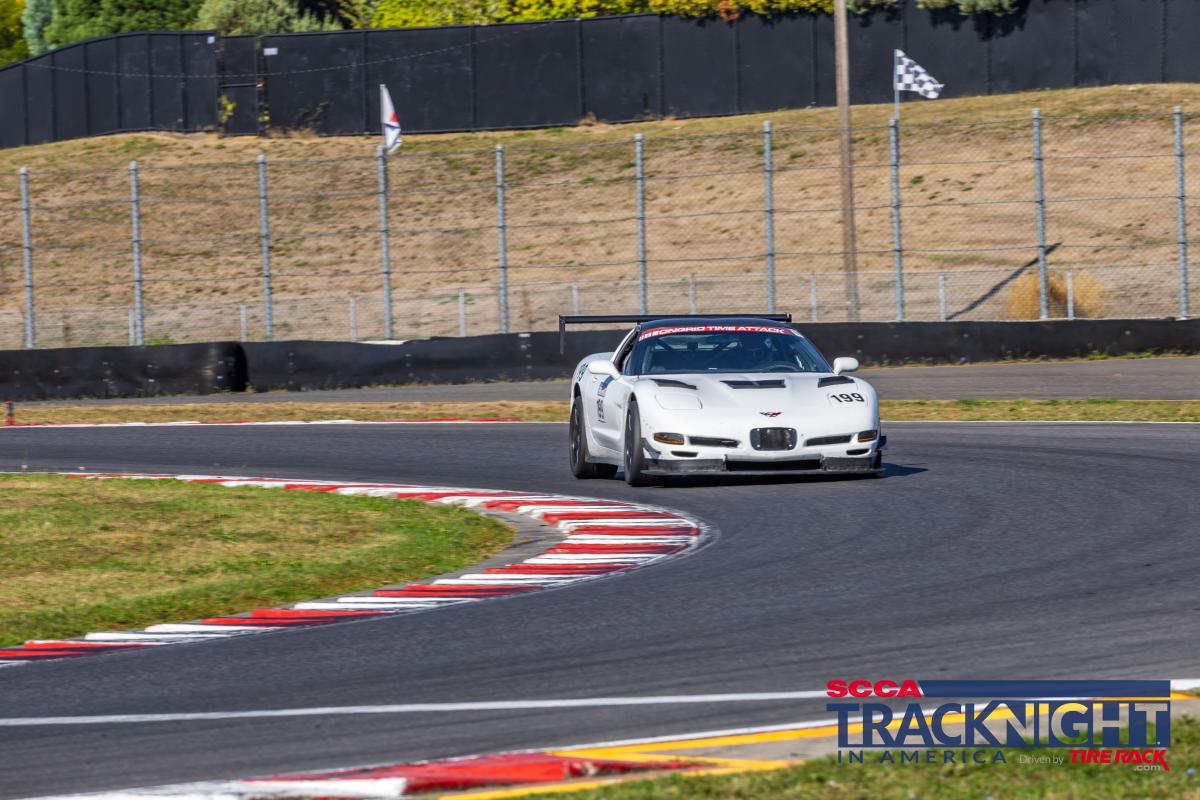
With SCCA I found even better results, taking home 1st place both days at Thunderhill West and West Bypass... but I also set the SCCA Max 2 class records both days, and even set the TRACK RECORD on Sunday!
To understand where Fire Laps fits, it helps to see what it replaces and what it doesn’t.
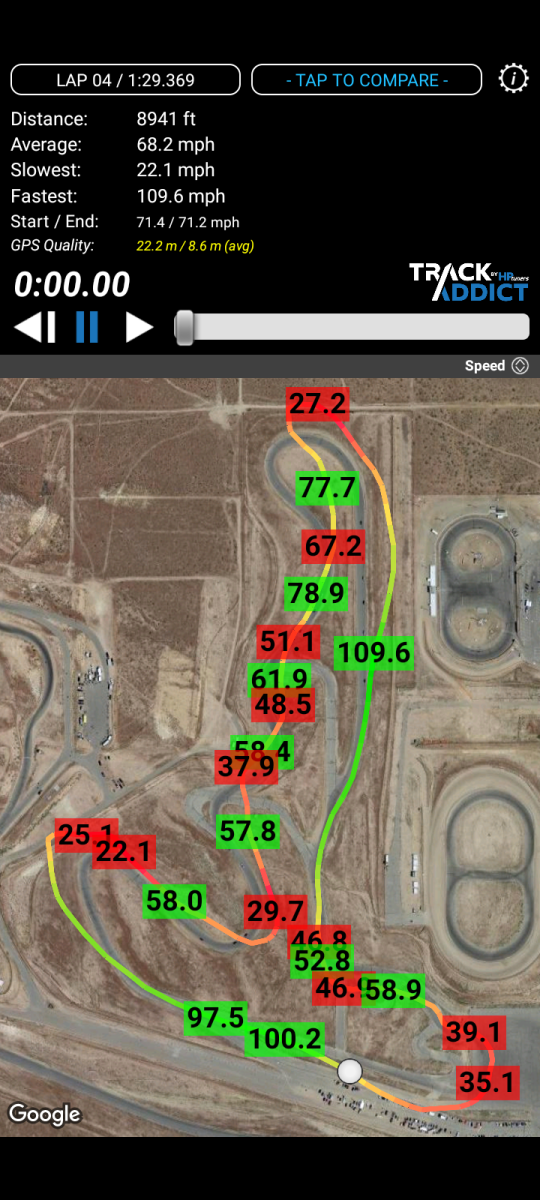
I’m a big fan of cheap, DIY solutions, so the obvious baseline comparison is the old spare phone running TrackAddict or Harry’s Lap Timer. The cost is essentially free, but the limitation is data quality. With 1 Hz GPS sampling, there simply isn’t enough resolution to meaningfully analyze braking, turn-in, or line choice. It works as a lap timer, but it doesn’t provide the depth needed for real driving analysis, and your data largely lives and dies on that device.
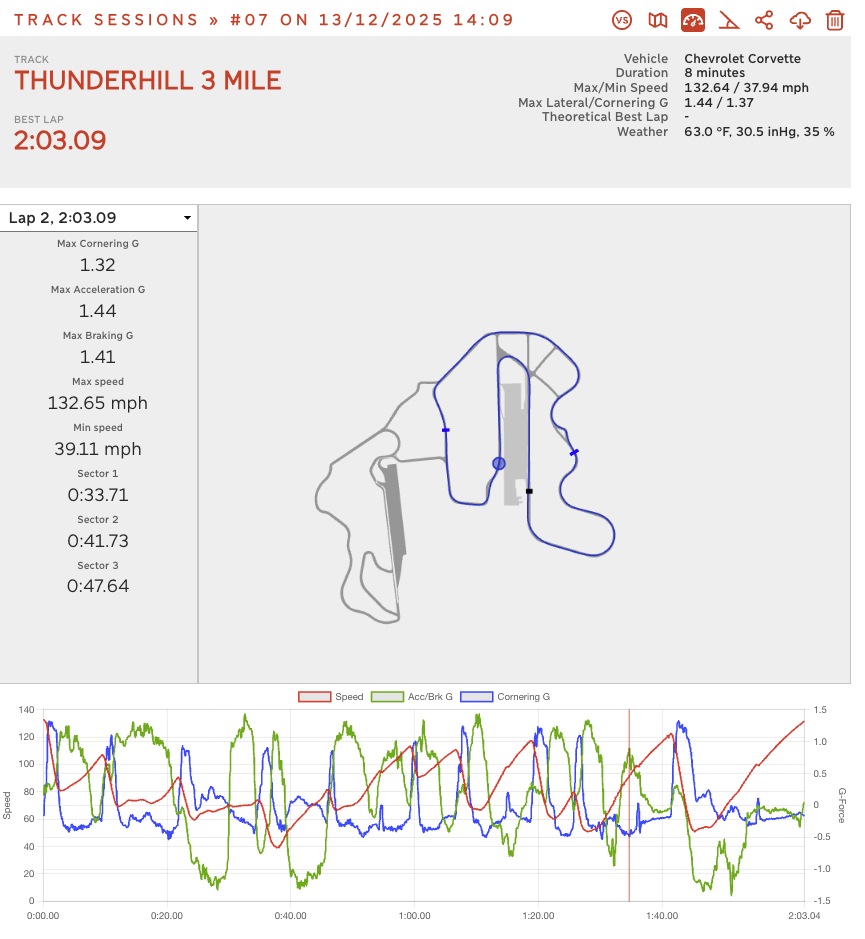
Next up... the budget brawler setup I utilize as well... the old phone combined with the RaceBox mini. This unit has 25hz GPS and so the data it acquires is excellent, but... the interface of your recorded sessions just doesn't have the same level of depth.
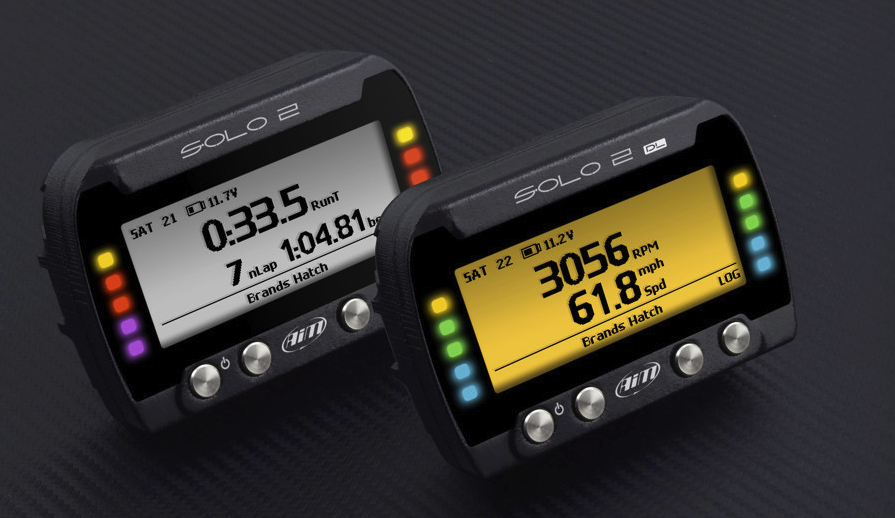
Now we'd of course be wrong to not mention the Aim Solo 2. They're the 500lb gorilla in the industry and... they are priced like it. While they have some great features, there's some aspects of it lacking as well. We won't lie, it's the industry top dog and competes favorably to everything mentioned thus far... but it doesn't have the AI lap suggestions that Fire Laps does, and we think in that regard Fire Laps separates itself with an offering the current motorsports choice does not have.
Lastly, you can't talk AI without mentioning ChatGPT. While there is no "ChatGPT" device you can plug into your car, you CAN take your data from the aforementioned GPS logging apps and upload it to ChatGPT for analysis. So how does that compare?
Well, I'll tell you now I've used ChatGPT with GPS data to analyze lap data, such as the data used for the 9 Lives Racing vs Wing Logic wing article. It works and can do some pretty cool stuff... but it took HOURS of clarifying conversation, including resorting to taking screen shots and circling the exact segments that make up turn 2... and to have to have the exact same conversation with ChatGPT a few times later when trying to do further analysis for another article. Chat GPT just isn't there yet.
Is Fire Laps Worth it? A Real Conversation on Cost to Value.
So now that I've had Fire Laps for a full season and been able to really test it out along with share it with other folks at the track... can I recommend Fire Laps to the following folks?
- Novices: Value, but instruction is plentiful at this level and generally best to start with.
- Intermediates: Strong value
- Time Attack competitors: Excellent value
- Data nerds: Huge value
- People who want live delta timing: Not sufficient alone.
There are of course some caveats to know going into it all.
Fire Laps is a pretty specific tool. It's not built for in car feedback or live timing Deltas, so if you want that you'll need another tool in your toolbelt to get it. Fortunately, it's a pretty easy one to get.
That said though... I also know some folks prefer not to know their times, and some of them are pretty fast fellas. They just want to go out there, do their thing and have fun. Heck one of the best car instructors I worked with told me to be a goldfish and not sweat where I went wrong and to instead always focus on settings yourself up for success going forward.
I personally run a RaceBox mini to get my section deltas though, and before that I ran a 10hz bluetooth GPS unit with TrackAddict and it got me in vehicle lap timing for not that much of a cost... so the solution is easily out there!
Fire Laps does have some limitations. At really crowded weekends where cell tower priority starts to become a thing, if you happen to have a lower priority cell service plan, chances are you may not be able to connect to their app to view your data. Again though, this will really depend on the location, your plan, and the cell tower capability near you. They've had success at events with thousands of people, I have a cheap GoogleFi cell plan... your mileage may just vary on this, but it was probably me.
Many folks however enjoy that the data uploads itself, no faffing around with exporting files and moving them about. The device just quietly lives in your car and handles everything for you!
Last, we gotta talk price. Fire Laps is good, but not cheap. The buy in is $499, and then there's a yearly subscription after the first trial year for the AI analysis, which costs $229 a year or $15 a month. That's not exactly cheap, especially for the majority of folks who are generally already wowed and amazed when they discover that TrackAddict on their phone and free. That said, it's cheaper than an instructor, and for less than the cost of a single used tire it's hard to argue the value.
So all of that said, can we here at C5 Corvettes recommend Fire Laps?
Absolutely.
While we expect novice adaptation to be fairly limited, those folks generally quickly transition upwards to intermediate and beyond drivers... and for those folks it's undeniably useful. The odds that you as an intermediate to advanced driver going to go to a busy event will be able to track down an instructor who isn't already bogged down with novices AND that they're going to know enough to improve your driving... well I know those odds aren't as great as most event organizers fancy they are.
Then, for privateers like myself going out to compete in time attack, $229 a year generally won't even buy a single tire for the C5 Corvette... and I can still demonstrate where Fire Laps yielded almost a half second of improvements over the season by suggesting I try things I hadn't even thought to do. Most folks can't get kind of time jump out of a set of tires, so the cost to time gain is a pretty easy justification!